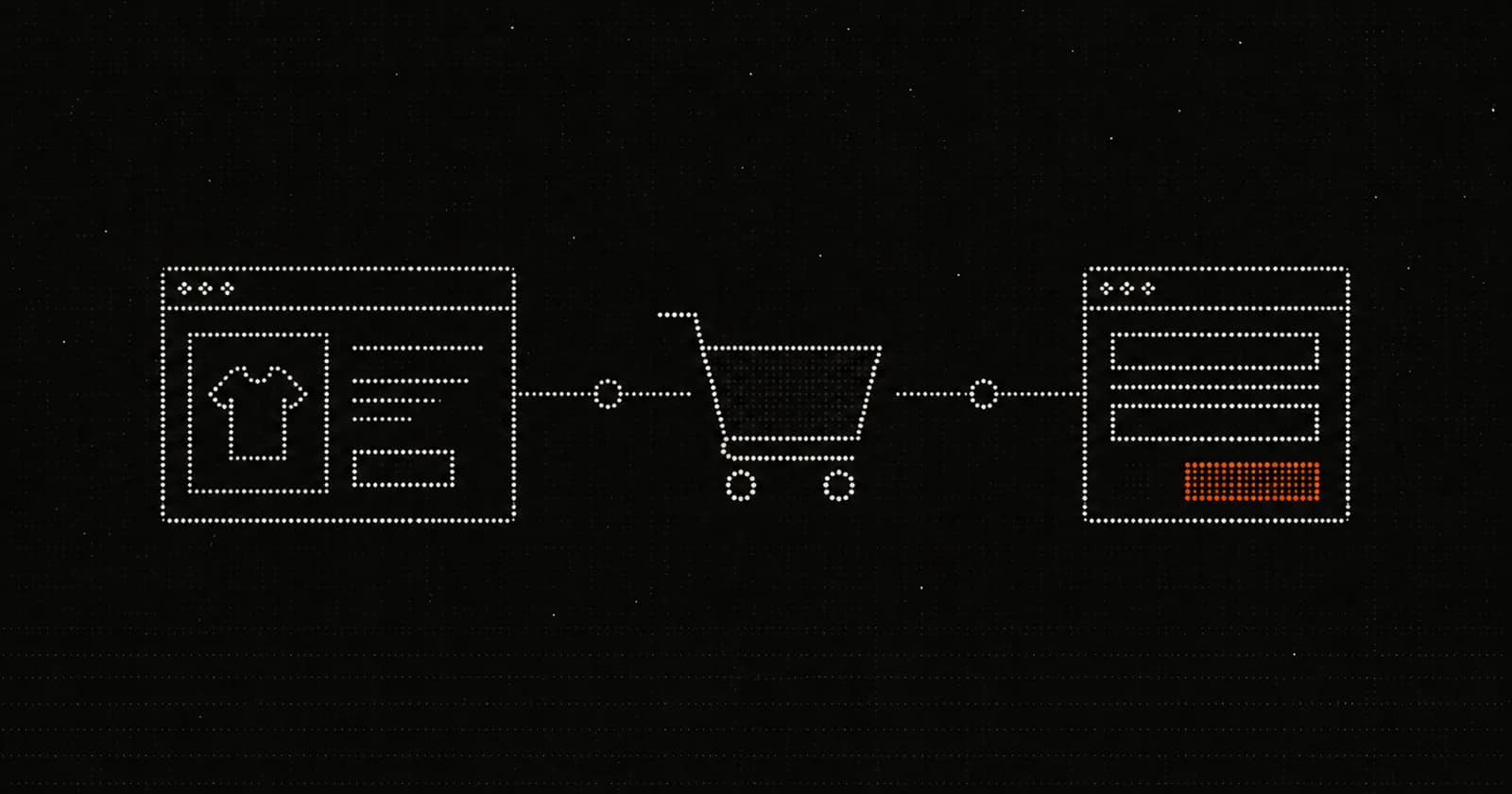
If your GA4 or ad platform numbers went wrong after a site or checkout change, the cause is almost always a broken connection between where the event happens and where it is supposed to land, not a broken store. The most common culprits in 2026 are the Shopify checkout extensibility migration off checkout.liquid and Additional Scripts, and the Web Pixels API running tracking inside a sandboxed iframe that GTM Preview cannot see. You diagnose it by reconciling GA4 purchases against Shopify orders, then working backwards from the order confirmation to find where the event stops arriving.
We run tracking for ecommerce stores every day, and broken Shopify tracking is the single most common thing we are called in to diagnose. This post is the diagnostic playbook: how to read the symptoms, name the likely cause, and prove it. If you have concluded the setup needs rebuilding rather than repairing, our companion guide on setting up GA4 ecommerce tracking on Shopify with the GTM method covers the rebuild itself.
01Why are my GA4 numbers wrong after a site or checkout change, and how do I diagnose it?
Your numbers are wrong because the tracking layer and the platform are no longer agreeing on what happened, and you diagnose it by reconciling the two sources and tracing the gap. A site or checkout change rarely breaks the store itself. What it breaks is the path an event takes from the browser into GA4 or an ad platform. A theme update, an app install, or the checkout extensibility migration can quietly cut that path, move where the code runs, or duplicate it. The diagnosis is always the same shape: confirm the real number from Shopify, compare it to what each platform reports, and walk the difference back to the event.
Below are the four symptom patterns we see most, the causes behind each, and the exact checks that confirm them.
02Symptom: GA4 revenue does not match Shopify
A persistent gap between GA4 revenue and Shopify's own order total is the most common complaint, and a 10 to 20 percent shortfall in GA4 is normal rather than broken. GA4 only counts what the browser successfully sends, so consent declines, ad blockers, customers who never load the confirmation page, and prepaid or draft orders all sit in Shopify but not in GA4. The diagnostic question is not whether the numbers match exactly, but whether the gap is stable.
A stable, modest shortfall is expected. A gap that suddenly widens, or GA4 revenue that reads far higher than Shopify, points to a real fault. Revenue higher than Shopify usually means double-counted purchases (covered below). A sudden widening usually means the purchase event has partly stopped firing, often after a theme or checkout change.
One specific cause inflates or zeroes revenue regardless of whether the event fires: a missing or malformed value or currency. GA4's required purchase parameters are transaction_id, value, and currency, and value must be a number, not a string like "49.99" or "$49.99". If value is missing or zero, GA4 reports revenue as zero even though the purchase count looks fine (GA4 Audits, 2025; Google Analytics Help, 2025). So a store can show healthy purchase counts and almost no revenue at the same time.
03Symptom: purchases have dropped to near zero
Purchases collapsing to near zero, especially around mid-2025 or mid-2026, is the signature of the Shopify checkout extensibility migration retiring the old tracking method. Shopify deprecated checkout.liquid, Additional Scripts, and script tags, and any conversion code living there stops running once the store is migrated. For Shopify Plus stores, the Thank you and Order status page deadline was 28 August 2025; for non-Plus stores it is 26 August 2026 (Shopify.dev, 2025; Stape, 2025; Flatline Agency, 2025). If you miss the deadline, Shopify upgrades the checkout automatically and removes the old customisations, which is why a perfectly functional store can lose its purchase tracking overnight without anyone changing a tag (WeltPixel, 2025).
The tell is timing. If purchases flatlined within days of a checkout upgrade, the migration is your prime suspect. Confirm it by checking where the conversion code lived: any GA4 or ad pixel that relied on Additional Scripts or checkout.liquid for the post-purchase pages needs to move to a custom pixel under Settings, Customer events. If it has not moved, that is the break.
A near-zero purchase count can also come from a consent setup blocking the event outright. Consent Mode, when misconfigured, can suppress events entirely rather than just adjusting collection, so a recent consent banner or Consent Mode change deserves a look before you assume the migration is at fault (WeltPixel, 2025).
04Symptom: conversions are being double-counted
Double-counted conversions almost always mean the purchase event is firing from two places, and GA4's own deduplication tells you how to confirm it. GA4 deduplicates purchase events that arrive with the same transaction_id from the same user within a 24 hour window, so if you supply a genuine order ID, true duplicates are quietly dropped (Google Analytics Help, 2025). That cuts both ways as a diagnostic. If GA4 is over-counting, either the transaction_id is missing, or it is being sent as an empty string, or two different setups are sending different IDs for the same order.
The classic cause is a leftover tag. A store migrates to a new GTM or custom-pixel setup but the old Additional Scripts pixel, a Shopify native GA4 connection, or a duplicate app pixel is still live, so every order fires twice. Watch especially for an empty transaction_id, because GA4 deduplicates all events sharing transaction_id="" and will collapse unrelated orders into one, which looks like under-counting rather than over-counting (Google Analytics Help, 2025). Either way, the check is the same: inspect the transaction_id on the purchase events and count how many distinct sources are sending them.
05Symptom: GA4, Meta, and Google Ads all disagree
When GA4, Meta, and Google Ads report different conversion counts for the same period, that is usually expected behaviour, not a bug, and the diagnosis is to confirm each platform is measuring what it claims to. The platforms disagree by design. GA4 attributes on a data-driven model, Meta and Google Ads use their own attribution windows and modelling, and each only credits conversions it can tie to its own click or view. Different windows over the same orders produce different totals.
Disagreement becomes a real fault when one platform drops sharply while the others hold steady. If Meta conversions fall to near zero while GA4 stays stable, the Meta pixel or Conversions API is the broken link, not the store. The diagnostic is to treat each platform as a separate pipe from the same source: anchor everything to the Shopify order count, then ask which pipe stopped carrying water and when.
06The step-by-step diagnosis workflow
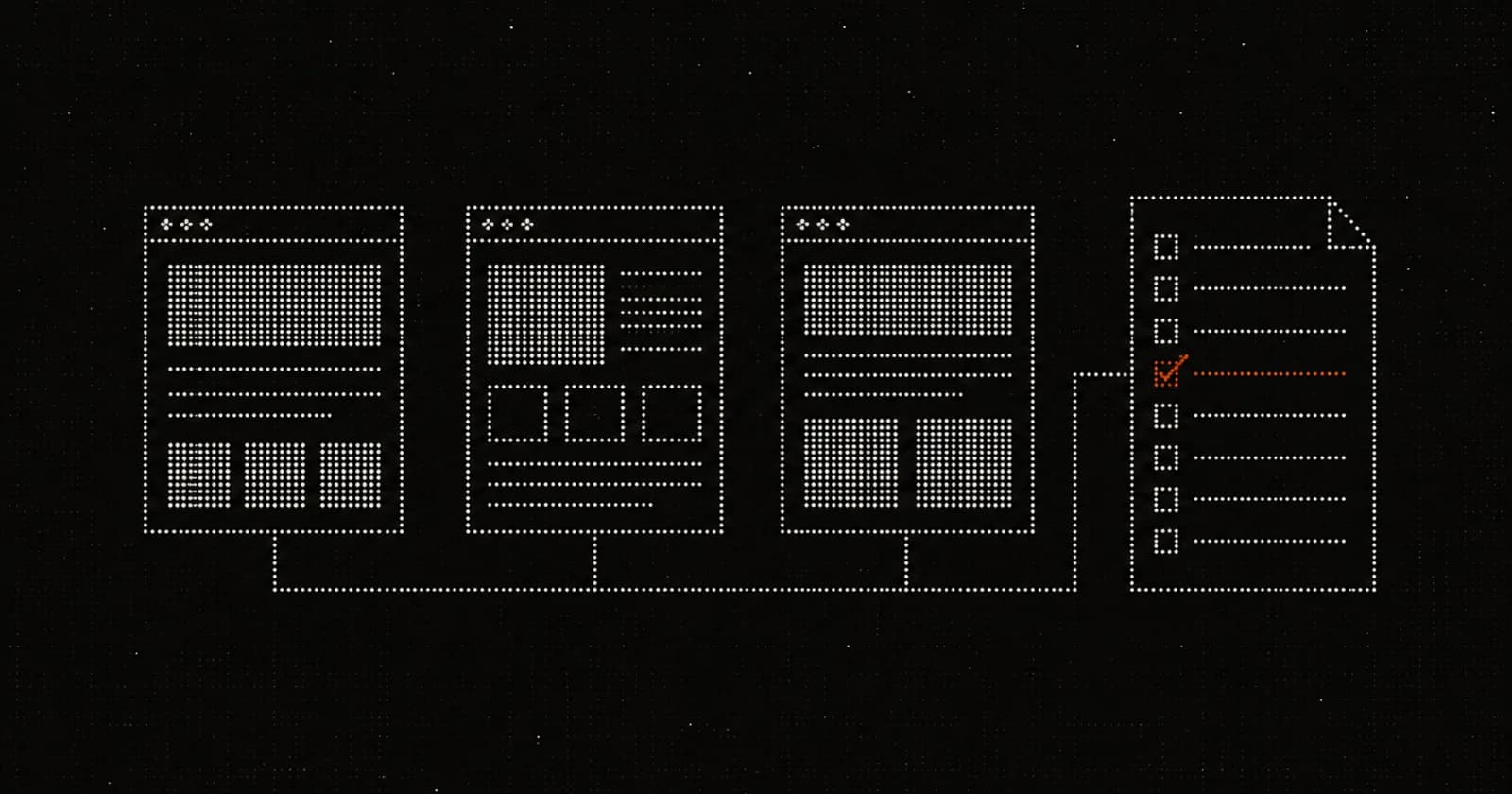
The fastest way to localise a tracking break is to start from the true number and walk outward until events stop appearing. Work through these in order.
Step 1: reconcile GA4 purchases against Shopify orders
Start by pulling the real order count and revenue from Shopify for a clean date range, then compare against GA4 purchases and revenue for the same range. This gives you the size and shape of the problem before you debug anything. A stable 10 to 20 percent GA4 shortfall is healthy. A sudden change in the gap, revenue at zero against a healthy purchase count, or GA4 above Shopify each point at a different cause from the symptom sections above. Note exactly when the gap changed, because the date is often the diagnosis.
Step 2: verify events in GA4 DebugView, not GTM Preview
Check your live events in GA4 DebugView rather than GTM Preview, because on Shopify Preview will usually show nothing even when tracking works. Shopify's Web Pixels API runs custom pixels inside a sandboxed iframe with its own isolated dataLayer, separate from the window.dataLayer your GTM container reads. GTM Preview and the standard GA4 Chrome debugger expect the snippet in the main page, so they cannot see events fired from inside the sandbox (Slicedbread Agency, 2025; WeltPixel, 2025). The result is a setup that looks completely dead in Preview while quietly working. Switch to DebugView, enable your tracking app's debug toggle so it sets debug_mode on each event, and complete a real test purchase. If the events appear in DebugView, your tracking is fine and Preview was lying to you (WeltPixel, 2025).
Step 3: check for duplicate purchase tags by transaction_id
Inspect the purchase events landing in GA4 and confirm there is exactly one per order, each carrying a unique, non-empty transaction_id. If you see two purchase events for one order, you have a duplicate source, typically an old pixel left behind by a migration. If the transaction_id is missing or empty, GA4's deduplication will distort your numbers in confusing ways (Google Analytics Help, 2025). While you are there, confirm value is a number and currency is a valid three-letter code, since a malformed value zeroes revenue (GA4 Audits, 2025).
Step 4: verify the Web Pixels migration
Finally, confirm where your tracking code actually lives. If your store has been through the checkout extensibility migration, every conversion tag that once sat in Additional Scripts or checkout.liquid must now run from a custom pixel under Settings, Customer events, subscribed to events like checkout_completed (Shopify.dev, 2025; WeltPixel, 2025). Check that the old locations are empty and the custom pixel is present and firing. If the pixel was never rebuilt after the deadline, that is your break, and the fix is a proper rebuild rather than another patch.
07When to rebuild instead of patch
If you have traced the break to a missing or half-migrated pixel, rebuild the tracking layer cleanly rather than bolting another tag onto a deprecated foundation. Patching tracking that lives on retired infrastructure simply moves the next failure a few months down the road. A clean rebuild on the supported custom-pixel and GTM method is documented in our companion setup guide, and if you would rather have it diagnosed and fixed for you, our GA4 tracking audit reconciles your data end to end. You can also start with a free conversion audit to see where the gaps are before committing to a rebuild. Across the stores we look after we maintain 98 percent tracking accuracy on more than 167 tracking containers and over $4.95M in tracked ad spend, and almost every engagement begins with the same reconciliation workflow above.
Not sure where your revenue is leaking?
Our free conversion audit surfaces the few specific places between the visit and the order where your site is losing buyers, and what to fix first.
Get a free conversion auditFrequently asked questions
Because Shopify's Web Pixels API runs your custom pixel inside a sandboxed iframe with its own dataLayer, which GTM Preview and the GA4 Chrome debugger cannot see. The events are firing; the debugging tool just cannot observe them. Verify in GA4 DebugView with your app's debug mode enabled instead (Slicedbread Agency, 2025; WeltPixel, 2025).
The most likely cause is the checkout extensibility migration retiring checkout.liquid and Additional Scripts, which removes any conversion code that lived there. The Plus deadline was 28 August 2025 and the non-Plus deadline is 26 August 2026, and Shopify upgrades stores automatically at the deadline (Shopify.dev, 2025; Flatline Agency, 2025). Check whether your purchase pixel was moved to a custom pixel.
A stable shortfall of roughly 10 to 20 percent in GA4 is normal, caused by consent declines, ad blockers, and customers who never load the confirmation page. A gap that suddenly widens, or revenue reading zero against healthy purchase counts, signals a real fault rather than expected loss.
Usually because the purchase event is firing from two sources, such as a leftover pixel from a migration. GA4 deduplicates purchases that share a transaction_id, so the fix is to ensure exactly one source sends each order with a unique, non-empty transaction_id (Google Analytics Help, 2025).
Because each platform uses its own attribution model and window and only credits conversions it can tie to its own traffic, so different totals over the same orders are expected. It becomes a fault only when one platform drops sharply while the others hold steady, which points to that platform's pixel or API specifically.
Sources
- Shopify, checkout.liquid deprecation and Thank you / Order status page deadlines, Shopify.dev, 2025. https://shopify.dev/docs/storefronts/themes/architecture/layouts/checkout-liquid
- Stape, Shopify Checkout Extensibility upgrade, 2025. https://stape.io/news/shopify-checkout-extensibility-upgrade
- Flatline Agency, Shopify checkout extensibility: what non-Plus stores need to do before August 2026, 2025. https://www.flatlineagency.com/blog/shopify-checkout-extensibility-2026/
- WeltPixel, Shopify Checkout Extensibility and conversion tracking: what broke, what did not, 2025. https://weltpixel.com/blogs/news/shopify-checkout-extensibility-and-conversion-tracking-what-broke-what-did-not
- WeltPixel, GA4 DebugView on Shopify: how to verify your events are actually firing, 2025. https://weltpixel.com/blogs/news/ga4-debugview-shopify-verify-events-firing
- Slicedbread Agency, Passing Shopify events to GTM with custom web pixels, 2025. https://www.slicedbread.agency/blogs/shopify/passing-shopify-events-to-gtm-with-custom-web-pixels
- Google Analytics Help, Minimize duplicate key events with transaction IDs, 2025. https://support.google.com/analytics/answer/12313109
- Google Analytics Help, Fix missing revenue data, 2025. https://support.google.com/analytics/answer/13800978
- GA4 Audits, GA4 purchase event parameters: what's required, what's recommended, 2025. https://ga4audits.com/blog/ga4-purchase-event-parameters